How this peptide calculator works
A peptide calculator starts with concentration. Once you know how many milligrams are in the vial and how many milliliters were added during reconstitution, you can calculate mg per mL. From there, the target amount can be converted into draw volume and then into syringe units.
The basic flow is vial strength, reconstitution volume, concentration, target amount, draw volume, and final syringe units. Keeping that order visible makes the output easier to review and less dependent on memory.
Peptide reconstitution calculator formula
The concentration formula is simple: vial strength divided by reconstitution volume. A 5 mg vial mixed with 2 mL creates a 2.5 mg/mL concentration. If the target amount is 250 mcg, that target is 0.25 mg. At 2.5 mg/mL, the draw volume is 0.1 mL.
On a U-100 syringe, 1 mL equals 100 units. That means 0.1 mL equals 10 units. This is why a peptide calculator has to keep units visible: the same target amount can lead to a different draw amount if the reconstitution volume changes.
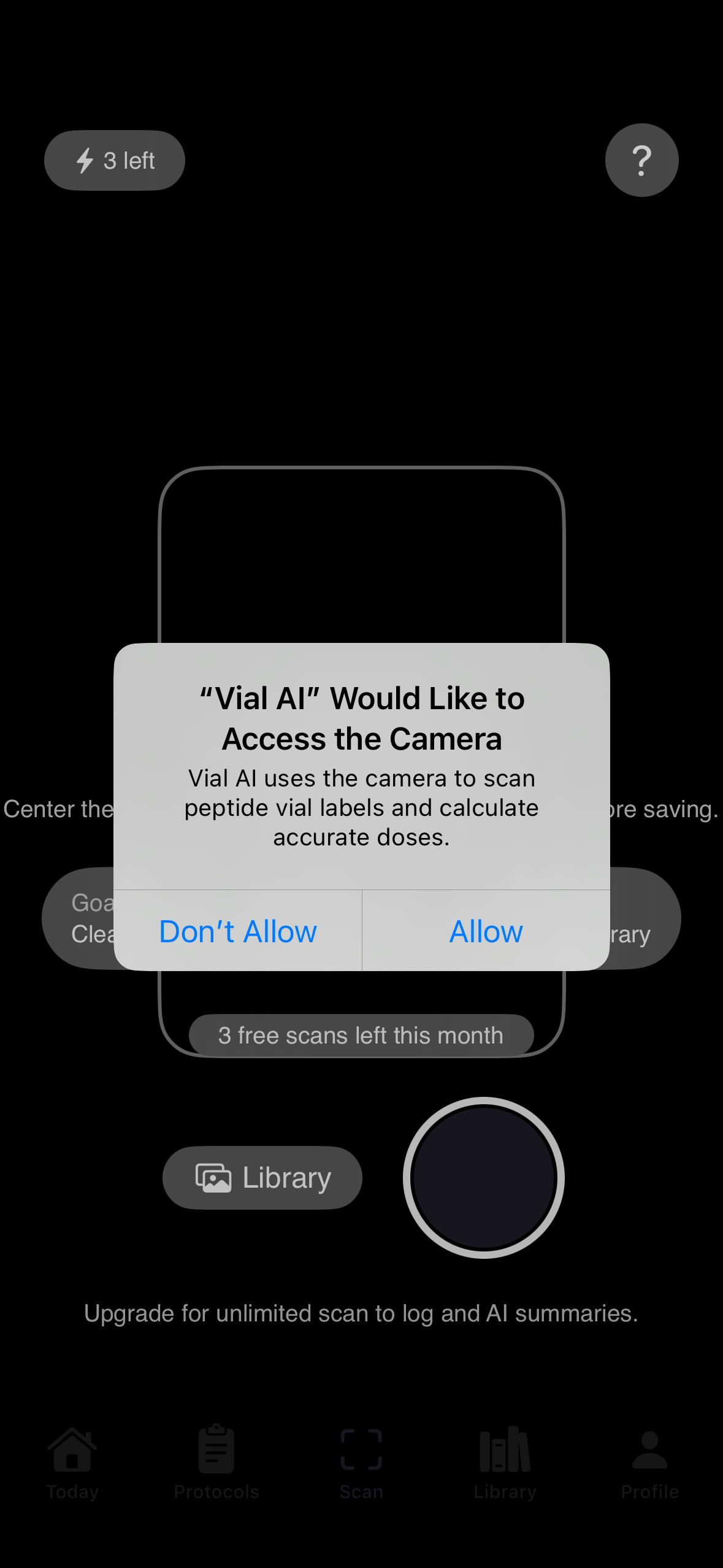
What to check before relying on calculator output
- Confirm the vial strength and compound name on the label.
- Confirm exactly how much liquid was used for reconstitution.
- Check whether the target amount is entered in mg or mcg.
- Confirm the syringe type before converting mL into units.
- Save the vial setup with the log so future reviews have context.
Why a calculator page should connect to a tracker
A one-off peptide calculator gives you the number in the moment. A tracker helps preserve the context behind that number: which vial it came from, how it was reconstituted, when it was logged, and how it fits into the wider protocol. That is the product gap Vial AI is designed to fill.